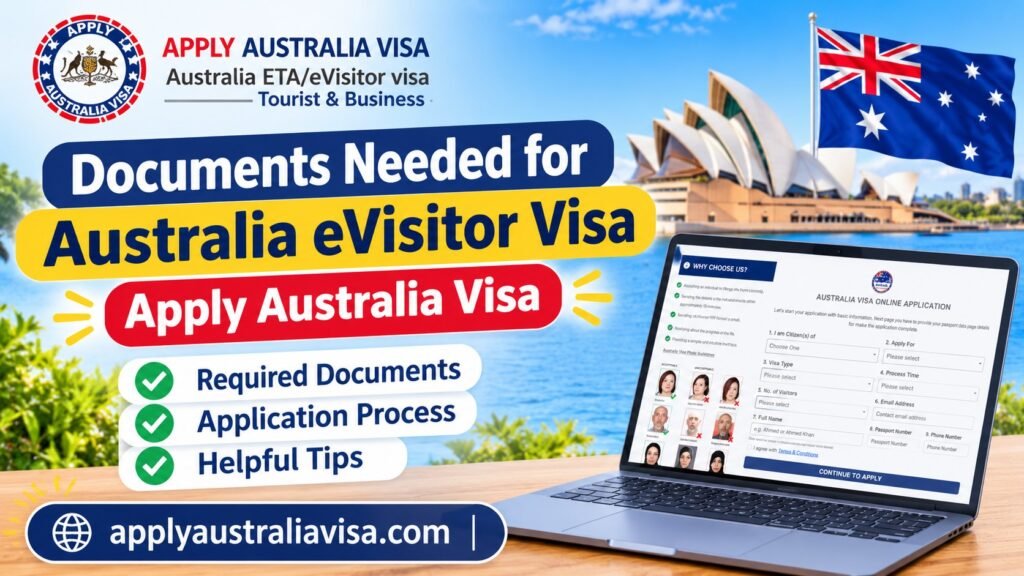
For the Australia eVisitor visa (subclass 651), you mostly need your passport and a handful of basic details. You usually do not upload a pile of paperwork. That surprises a lot of travelers, and it is good news. The catch is that small typing mistakes, copied from these documents into the form, cause most of the trouble. This guide shows what to have ready, what to carry on the trip, and the mistakes to avoid.
If you are still not sure the eVisitor is the right visa for you, start with our eligibility guide and the list of European countries that qualify for the 651. Then come back here.
Quick answer: what you need
- A valid passport from an eligible country
- An email address you check every day
- Your personal details, exactly as they appear in your passport
- Your travel plans: arrival date and where you will stay in Australia
- Honest answers to the health and character questions
- A way to pay, such as a bank card
That is the core list. Everything else in this article helps you avoid delays.
The full checklist
| What you need | Why it matters | Tip |
|---|---|---|
| Valid passport | Your visa is linked to this one passport | Use the same passport to apply and to travel |
| Passport details page | You copy your name, number, and dates from it | Keep it open next to the form and copy letter by letter |
| Email address | Your visa confirmation is sent here | Pick one you will still use on the day you fly |
| Date of birth and place of birth | Must match your passport | Check the day and month order |
| Home address and phone number | Part of your personal details | Use your current address, not an old one |
| Travel dates | Tells the system when you plan to arrive | A rough arrival date is fine, but keep it realistic |
| Address in Australia | A hotel, hostel, or a friend’s home | Have the full address ready before you start |
| Health and character answers | Required honest declarations | Read each question slowly before you tick yes or no |
| Payment method | Needed to complete the application | Use a card in your own name |
If you want a fuller breakdown of the rules behind this list, our Australia eVisitor requirements for 2026 page covers it in detail.
Your passport is the most important document
Most people think the passport only needs to be “valid.” In practice, there is more to check.
- Check the expiry date. It should cover your whole trip. Many airlines also like to see several months left, so do not cut it close.
- Use a passport, not an ID card. A national ID card will not work for this visa.
- Match the name exactly. If your passport says “Maria Jose,” do not type “Maria” only. Hyphens, accents, and middle names matter.
- Use the passport you will fly with. If you hold two passports, pick one and stay with it. Our guide for dual citizens explains how to choose.
- Do not apply with an old passport. If you renewed your passport, a visa tied to the old number will cause problems at the airport.
Here is a simple example. Tom, a traveler from the UK, copied his passport number from an old booking email. His new passport had a different number. He caught the mistake a week before flying and applied again with the right details. A two minute check at the start would have saved him the stress. If you are applying from the UK, our UK citizens page has more on what to expect.
Things to carry on the trip (you do not upload these)
The eVisitor application does not ask you to upload these items, but airlines and border staff can ask for them. Keep them ready on your phone and, if you like, on paper too.
- Your visa confirmation (a screenshot and a printout are both smart)
- A return or onward ticket
- Proof of where you are staying, like a hotel booking
- Proof you can pay for your trip, such as a recent bank statement or card access
- Travel insurance details. See our guide to travel insurance for Australia if you have not sorted this yet.
Think of these as your “just in case” folder. You will probably never need them, but if someone asks, you can answer in ten seconds.
Documents you usually do not need
For a normal tourist or family visit on the eVisitor, people often worry about extra papers that are not part of the application. In most cases you do not need to submit:
- Bank statements or payslips with the form
- An invitation letter
- A printed itinerary with the form
- Passport photos
If your situation is unusual, for example a long list of past visits or a complicated travel history, it is better to check than to guess. You can read the full subclass 651 overview or contact our team.
Special situations
Traveling with family. Each traveler needs their own passport and their own application, including children. Gather everyone’s passport details before you start so you are not hunting for them halfway through.
Health questions. The form asks about certain health conditions. Answer honestly. If you are unsure about a question, do not guess. Get clear on the question first.
Character questions. These cover things like criminal history. A past conviction does not always mean a refusal, but the answer must be truthful. We cover this in more depth in our guide to traveling to Australia with a criminal record.
Not sure eVisitor is right? Some travelers need a different visa type altogether. Our comparison of the eVisitor and the ETA shows which one fits your passport and your plans.
The most common mistakes
- Typing the name wrong. One missing letter can create a mismatch with your passport.
- Using a wrong or old passport number. Always copy from the passport in your hand.
- Using an email you do not check. If your confirmation lands in a spam folder or a dead inbox, you may not notice it until you are at the airport.
- Mixing up date formats. Day and month swapped is a classic mistake, especially for birth dates.
- Rushing the health and character questions. Read each one fully.
- Applying at the last minute. Give yourself time. Our page on processing time explains what to expect.
- Not saving the confirmation. Save it as a PDF and a screenshot the moment you get it.
A simple way to prepare in ten minutes
Before you start the application, do this:
- Put your passport on the table and open the photo page.
- Open a note on your phone and type your full name, passport number, birth date, and passport expiry date. Compare it to the passport twice.
- Write down your Australian address and arrival date.
- Check that your email inbox is working and has space.
- Have your card ready.
Now the application takes far less time, and you are much less likely to make a typing error.
Ready to apply?
Once your list is ready, you can move on to the next step. Our step by step application guide walks you through each screen. If you want to see how the process works from the start, visit our eVisitor application page. Already applied? You can use our status check page to follow up.
Have a question that is not covered here? Browse our FAQ or reach out through the contact page. Apply Australia Visa is here to help you get the details right the first time.
Frequently asked questions
Do I need to upload my passport for the Australia eVisitor visa? The application is based on your passport details, which you type in. Keep the passport itself with you, because you will need it to travel.
Can I apply with a national ID card? No. You need a valid passport.
What if I get a new passport after I apply? Your visa is linked to the passport used in the application. If you get a new one, check this before you fly and get advice on your next step.
Do I need proof of funds or a return ticket? You do not normally upload them with the application, but it is wise to carry them. Airlines and border staff may ask.
Can I fix a mistake after I submit? That depends on the mistake. Passport and name errors are the most serious, so check them before you press submit.
Do I need a different document if I hold two passports? No. Choose one passport, apply with it, and travel with it.
Where can I check the progress of my application? Use our status check page.